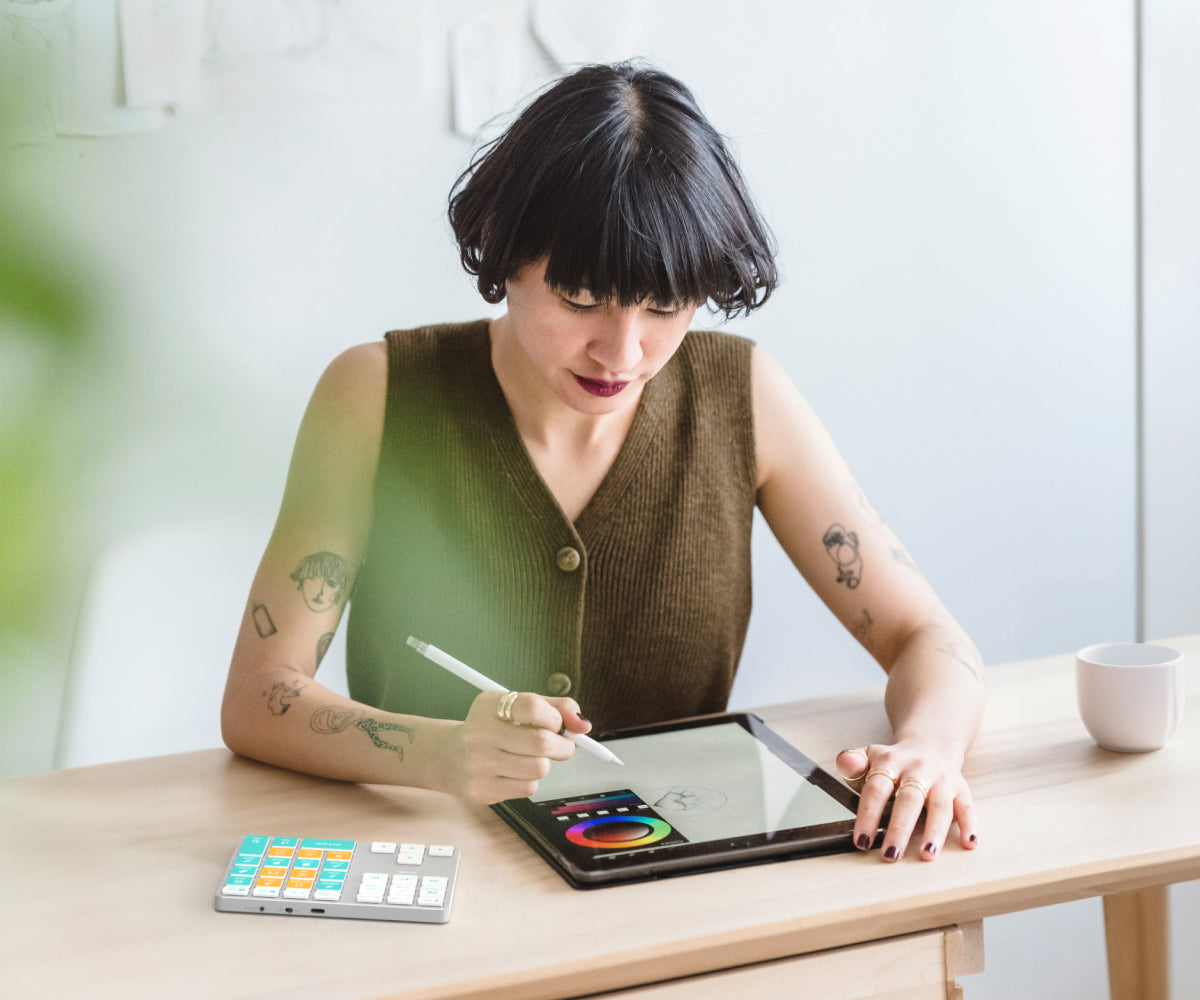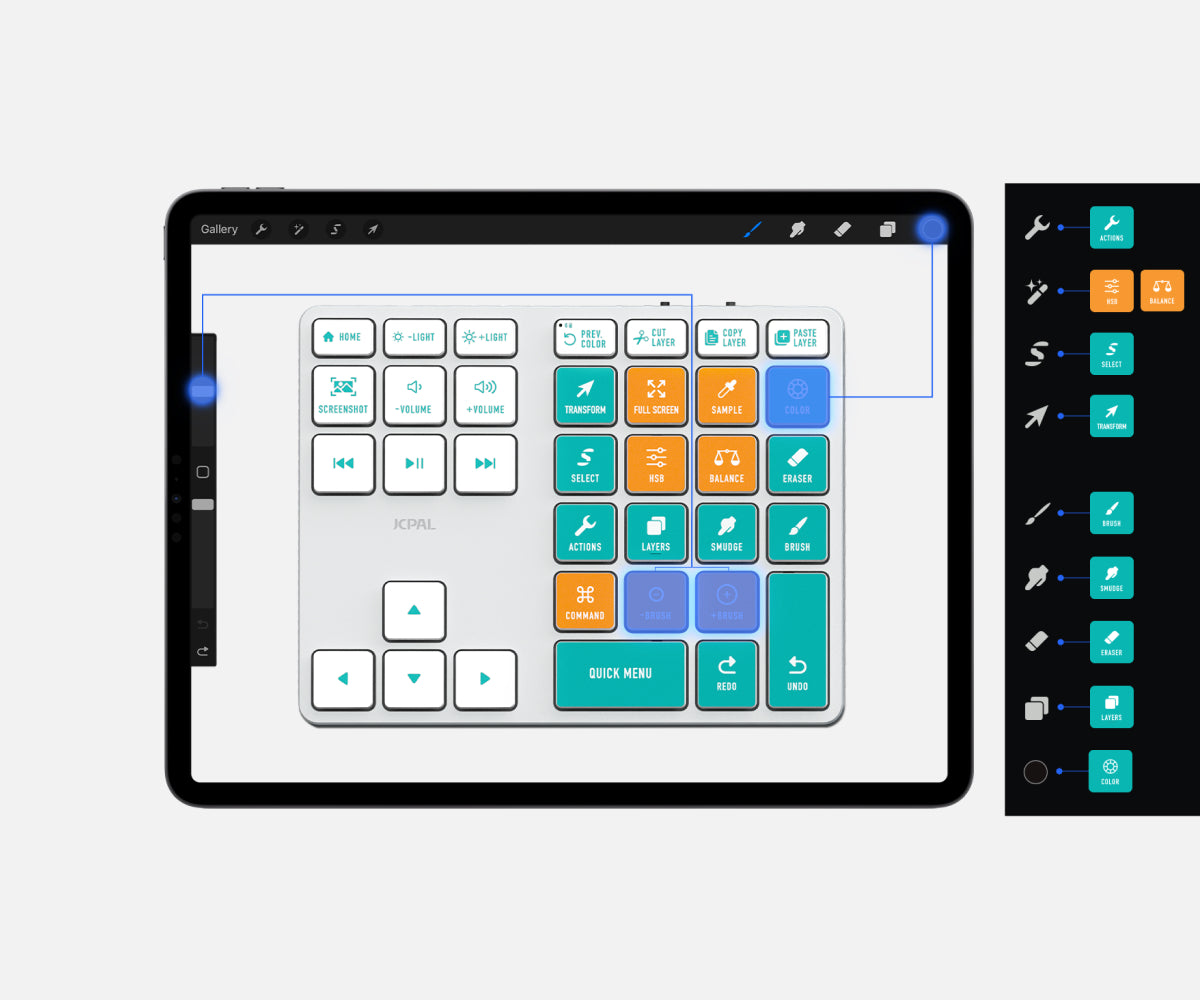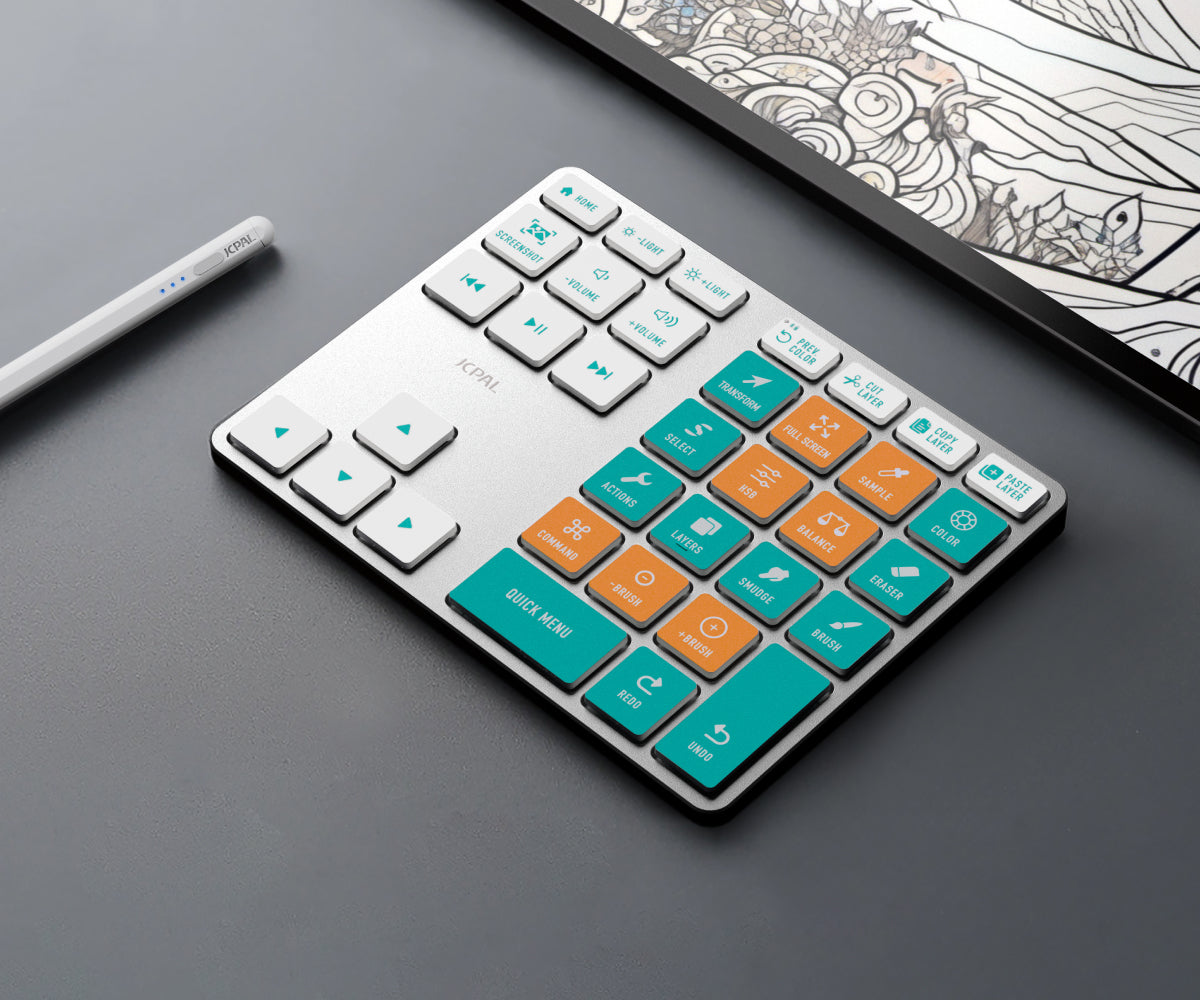

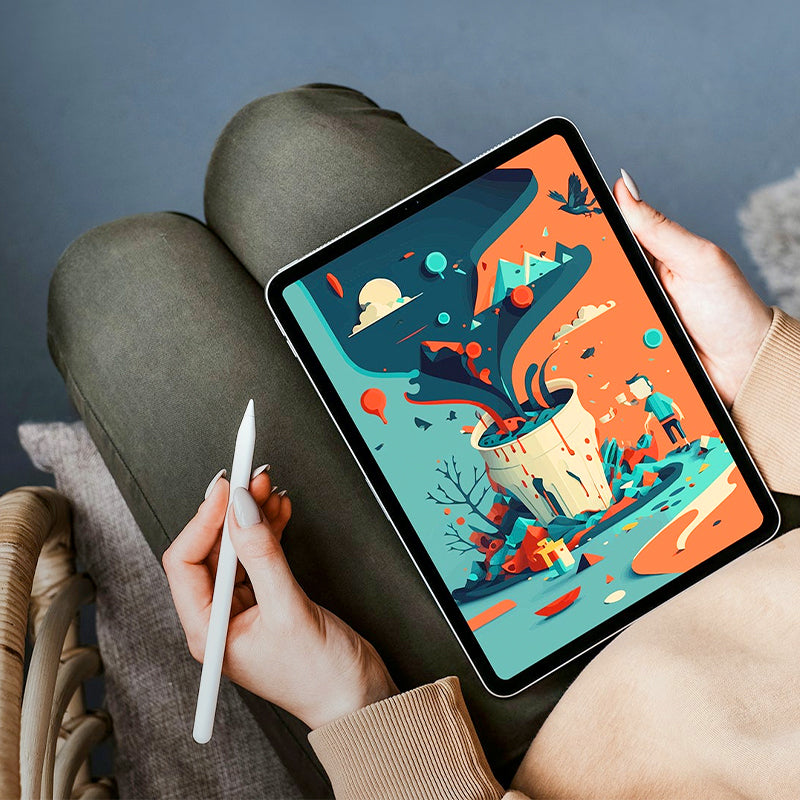
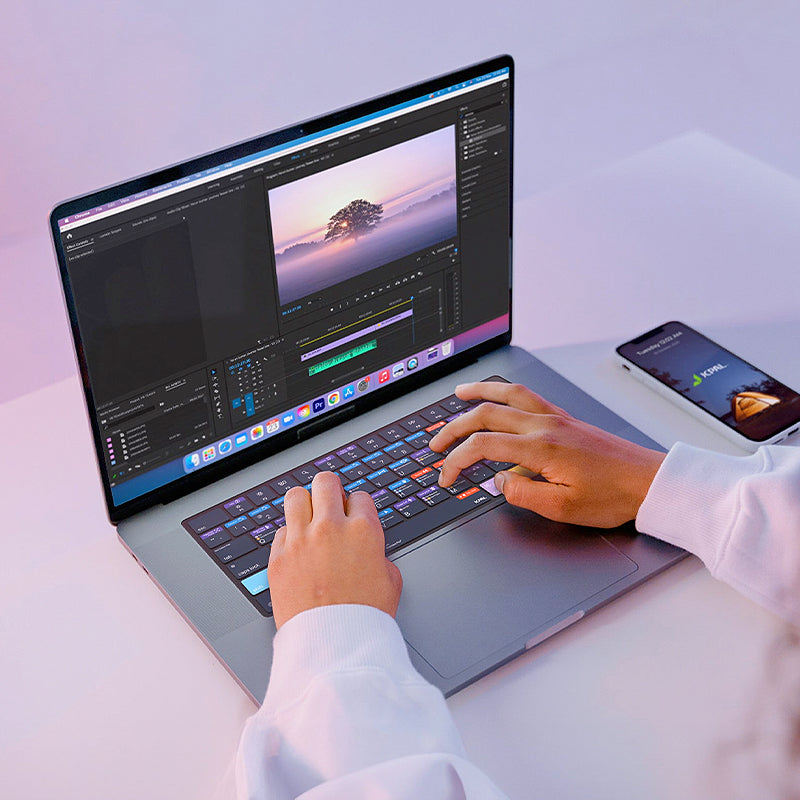
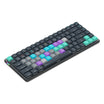
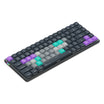
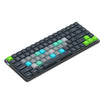
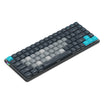
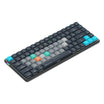
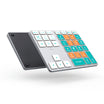
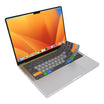
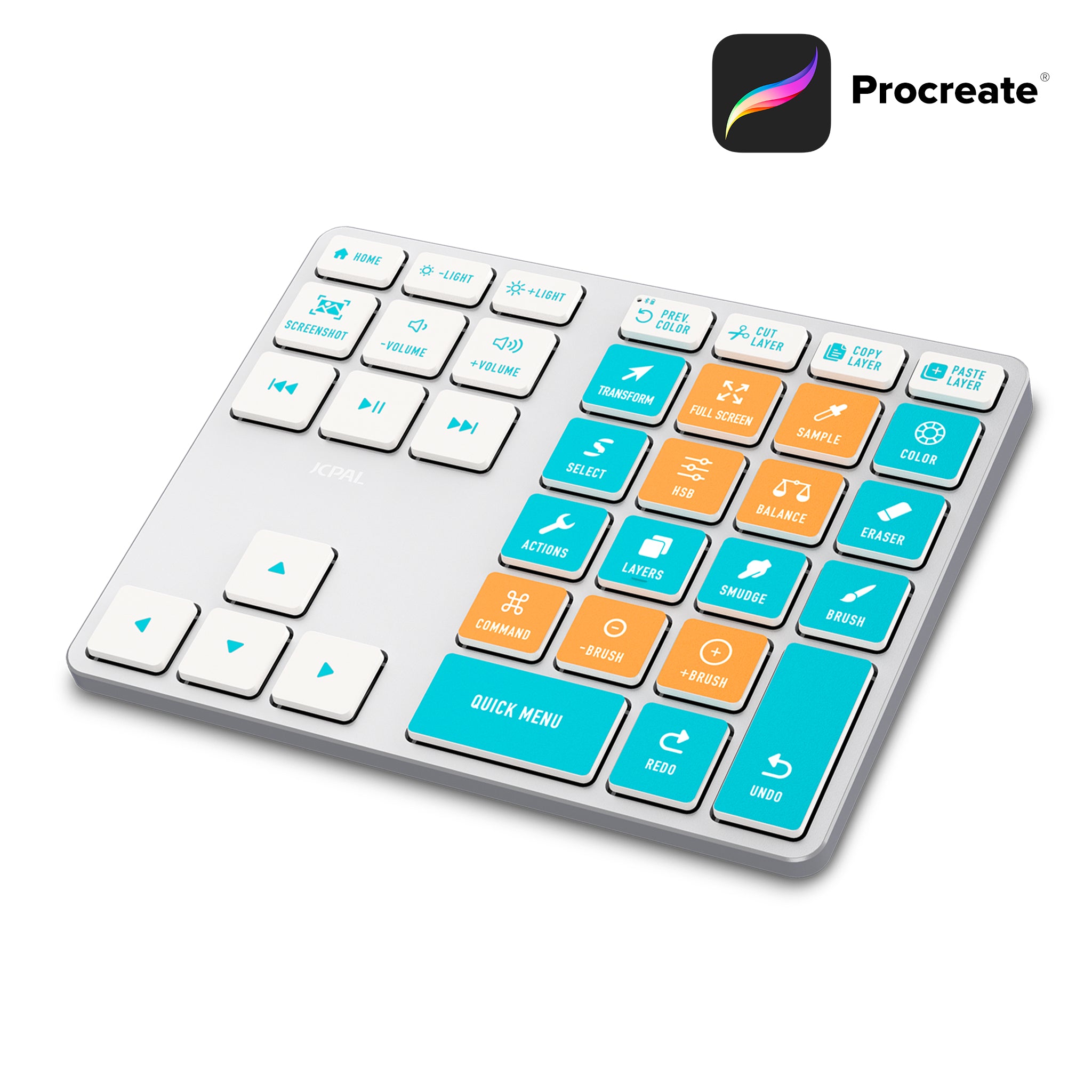
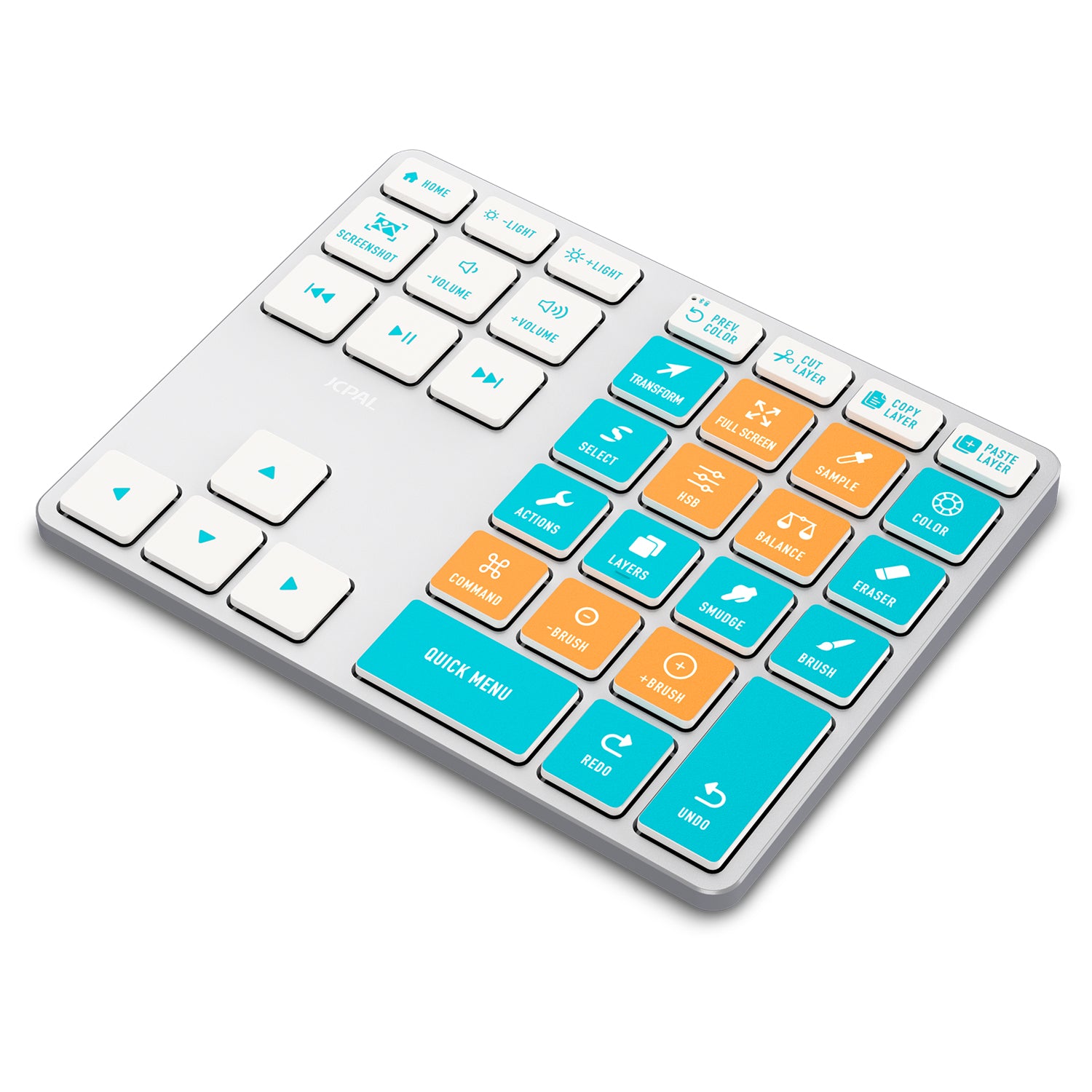
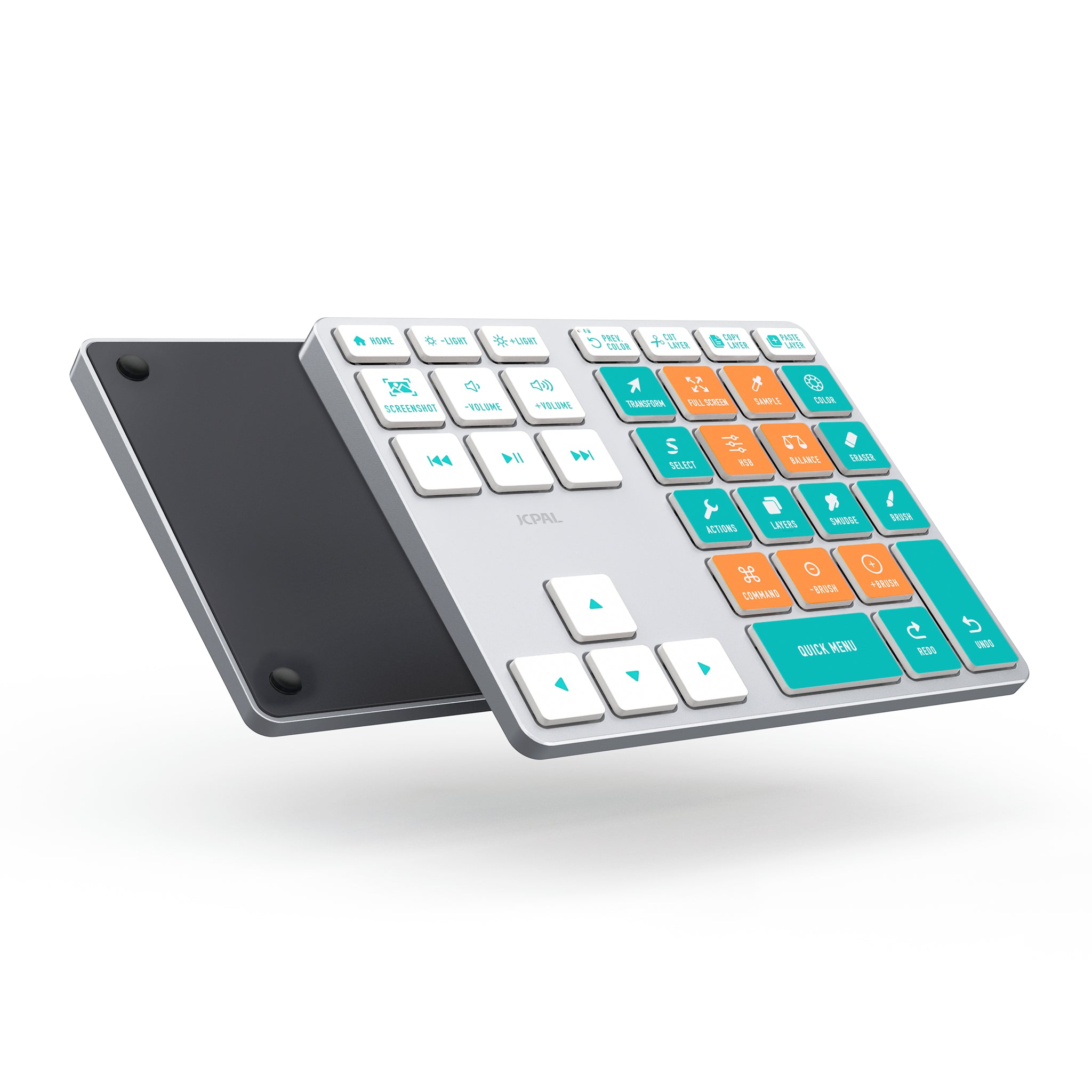
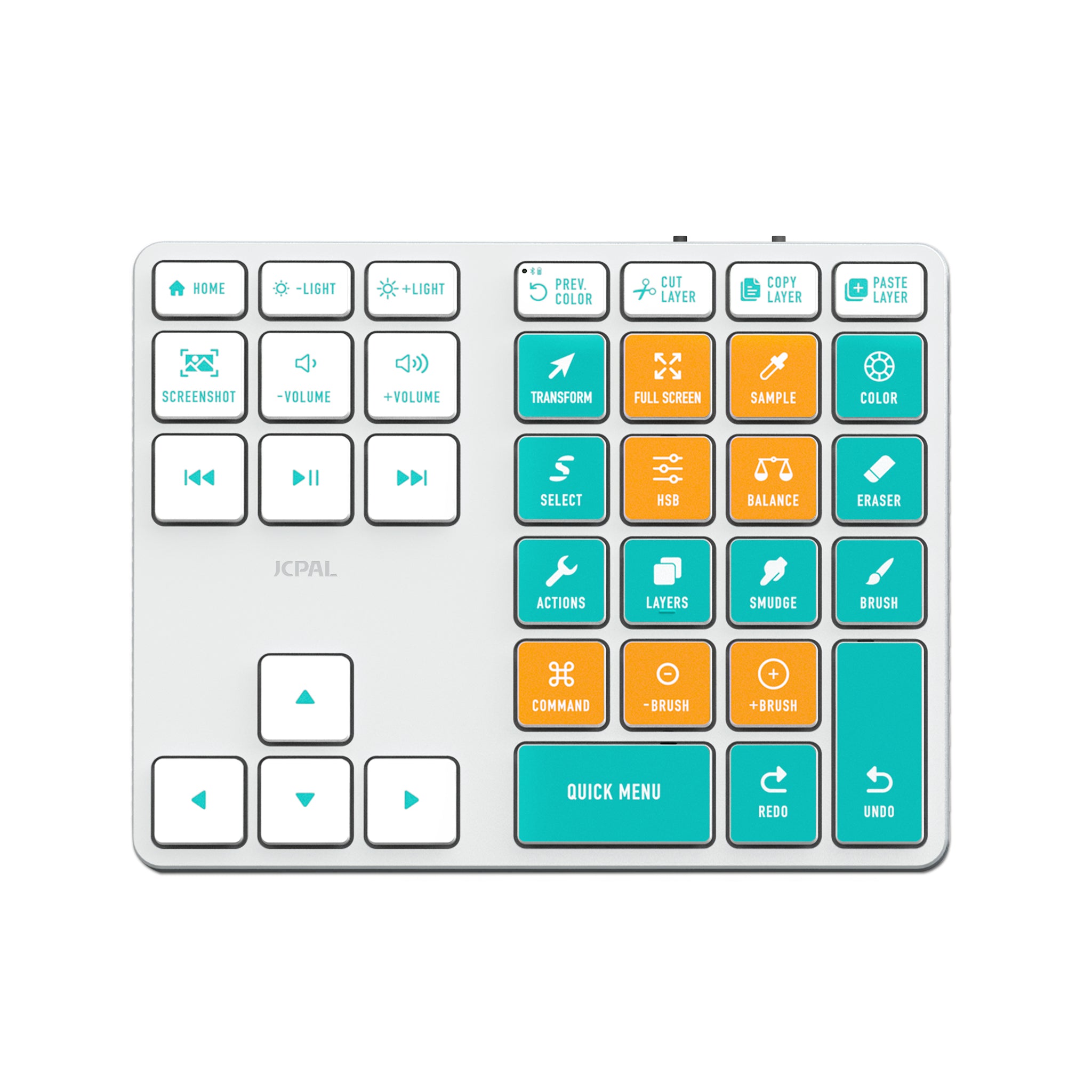
As a recovering desktop user (Photoshop, Krita, etc.) -- I love my keyboard shortcuts. So the iPad has been a foreign-ish device for a long time. I know gestures are convenient, but hotkeys are so much faster once you memorize the layout.So I started the hunt for an external keypad for Procreate about a month ago and finally settled on this one because of the key configuration -- namely the redo/undo keys and where the smudge, brush, and eraser keys are. I could have gone for the much, much more expensive options without presets, but this looked like it would do the trick.And wow, it has definitely delivered! I'm still getting used to using the hotkeys, but after a week of use, it has already sped up my workflow tremendously. Just using the quick menu, redo and undo has been a time-saver.Something that you should be aware of -- the smudge and sample keys are both activated by the Square action button in Procreate, so you need to set up the tools to use that key in your preferences. If I hold the smudge button on the hotkeys, it will activate the smudge brush. If I tap the smudge key or the sample key on my keypad, it will activate the sample dropper.Finally, I'm not a fan of the brush size keys, especially toward the low end of the size spectrum, it jumps quite a lot. You can make smaller adjustment steps with the command key, but I still use pinch and stretch gestures to resize my brushes for better control. That's one of the few huge perks of the M2 iPad.Conclusion -- awesome keypad, super-low price compared to competitors. Love it. :)